Technology is one of four core resources NHFPL provides to our customers and our community. Computer, internet and wireless access is available at all libraries. Our reservation system makes using a computer at any location easy and convenient.
NHFPL is committed to supporting a tech-savvy New Haven. Classes for various skill levels are regularly scheduled at branches across our system. See descriptions and times for Ives Main Technology Center classes below. Branch classes are listed in our calendar.
New class time. Beginning in January, 2013 we will be offering computer classes on Wednesday mornings at the Ives Main Technology Center. Click on Computer Class Schedules below for specific dates and class topics.
Note: Due to a scheduling conflict, the May 15th Google Searches computer class for that day has been cancelled.
Computer classrooms are available for rental ($25 for a two-hour period) at both Ives Main Technology Center Computer Lab and the Wilson Branch.
For more details, see below.
Tech Center Facilities
The Technology Center consists of:
- more than 40 computers with internet access
- computer classroom with smart board
- three tutor rooms accommodating 1-3 persons each
- Board Room with audio and video conferencing capability
- Program Room with technology and media capabilities
Technology Training
Weekly Computer Classes
Mondays 5-6 pm and Wednesdays 10–11 am
These free classes require some familiarity using a keyboard and a mouse.
Each week a separate computer topic is presented with hands on PC access.
Register in advance by calling 203.946.8130 ext. 219
PC classroom white board and work stations!
Technology Across Generations (TAG)
Tuesdays 4-5 p.m. and 5-6:15 p.m.
Are you 50+ years old and just beginning to learn how to use computers? We will get you started with free one-on-one computer instruction.
Register in advance by calling 203.946.7001.
Computer Class Descriptions
PC Basics :
What is hardware? What is software? By learning about your
computer, you’ll be better able to take advantage of its possibilities!
Internet Explorer – Accessing the Internet :
Internet Explorer is Microsoft’s browser. Browers are the bridge between
you and the Internet. Learn how to use it!
Microsoft Excel Primer:
Excel is one of Microsoft’s most powerful tools. Learn the basics about how to create and use spreadsheets. Cells, formulas and charts are among the topics covered.
Intermediate Microsoft Excel:
Building on lessons learned in Excel Primer class. You will create a home budget sheet. Also included: formatting cells, expanded formula application and auto fill
Windows 7 – Introduction :
Starting with the Windows 7 Taskbar, learn how to take advantage of the resources at your disposal in Microsoft Windows 7.
Keyboard and Mouse Workshop:
A hands-on workshop which will enhance essential keyboard and mouse skills.
Email: Set up a free Yahoo email account:
By the end of this class you will have your own email account for keeping
in touch.
Microsoft Word Primer:
Use Word to create documents that are key in today’s world for job searching and so much else. Learn how to create a cover letter using Word.
Intermediate Word:
Building on lessons learned in Word Introduction class. You will format a more extensive document than in the intro class. Also included: paragraph formatting, AutoCorrect, and tables.
Google Searches:
Google is one of the most powerful search engines. Learn
how to search the Internet using Google.
Power Point:
Learn how to use Microsoft’s Power Point to support your presentations with educational and persuasive organizing text and images.
Facebook :
An introduction to the very, very popular ‘social network’ program. It’s easy to set up an account and join in the world of social media.
Computer Class Schedules
April 1 (5-6pm) : Microsoft Excel
April 3 (10-11am) : Microsoft Excel
April 8 (5-6pm) : Internet Explorer
April 10 (10-11am) : Internet Explorer
April 15 (5-6pm) : Microsoft Word
May 6 (5-6pm) : Keyboard and Mouse Workshop
May 8 (10-11am) : Keyboard and Mouse Workshop
May 13 (5-6pm) : Google Searches
May 15 (10-11am) : Google Searches <CANCELLED>
May 20 (5-6pm) : Power Point
May 22 (10-11am) : Power Point
Daily Computer Access
To use our public computers, New Haven residents must present a valid New Haven library card.
Adults with a New Haven Library Card may use a computer for 90 minutes, in any combination of minutes during a given day.
CT residents should obtain a library card from their hometown library and
visit our circulation desk to register their card’s barcode in our system.
In addition to the daily 90 minute time, a library card holder may also use an
Express Terminal for 30 minutes.
Out-of-state visitors must present a valid photo ID or passport to obtain a guest pass. Out of state residents receive 90 minutes of computer time per day.
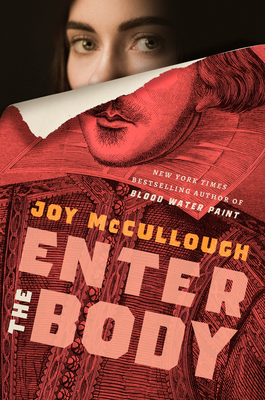
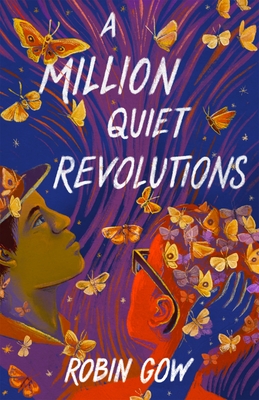
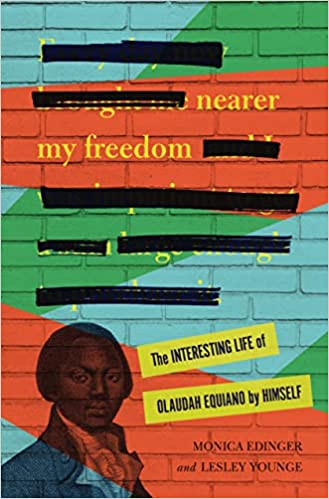
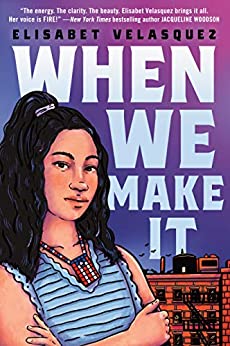
Keeping Up With Technology Books
Excellent texts for getting you up-to-date.
Contact Information
Contact Information:
Tom Smith
Technology Center Supervisor
203.946.8130 ext. 219
tom.smith@nhfpl.org